Free
$0
No time limit.
- Fill up to 30 days
- Every editing tool: photos, shapes, text
- One background across your whole calendar
- Export any month for posting
The photo calendar for iPhone
Fill each day with a photo, a sticker, a few words. Watch the month turn into something you'll want to look back on.


A preview of the app: a month calendar filled in with photos, stickers and notes, with a Home Screen widget and a link to share it.
Drop in a photo, crop it, and layer text, shapes and emoji until the grid stops looking like a calendar and starts looking like your month.
Choose the background, the calendar and the type, or just hit Surprise me. Make November feel like November.
Cream on BubblegumInstrument Serif
On Free, one background covers your whole calendar. Unlimited gives every month its own.
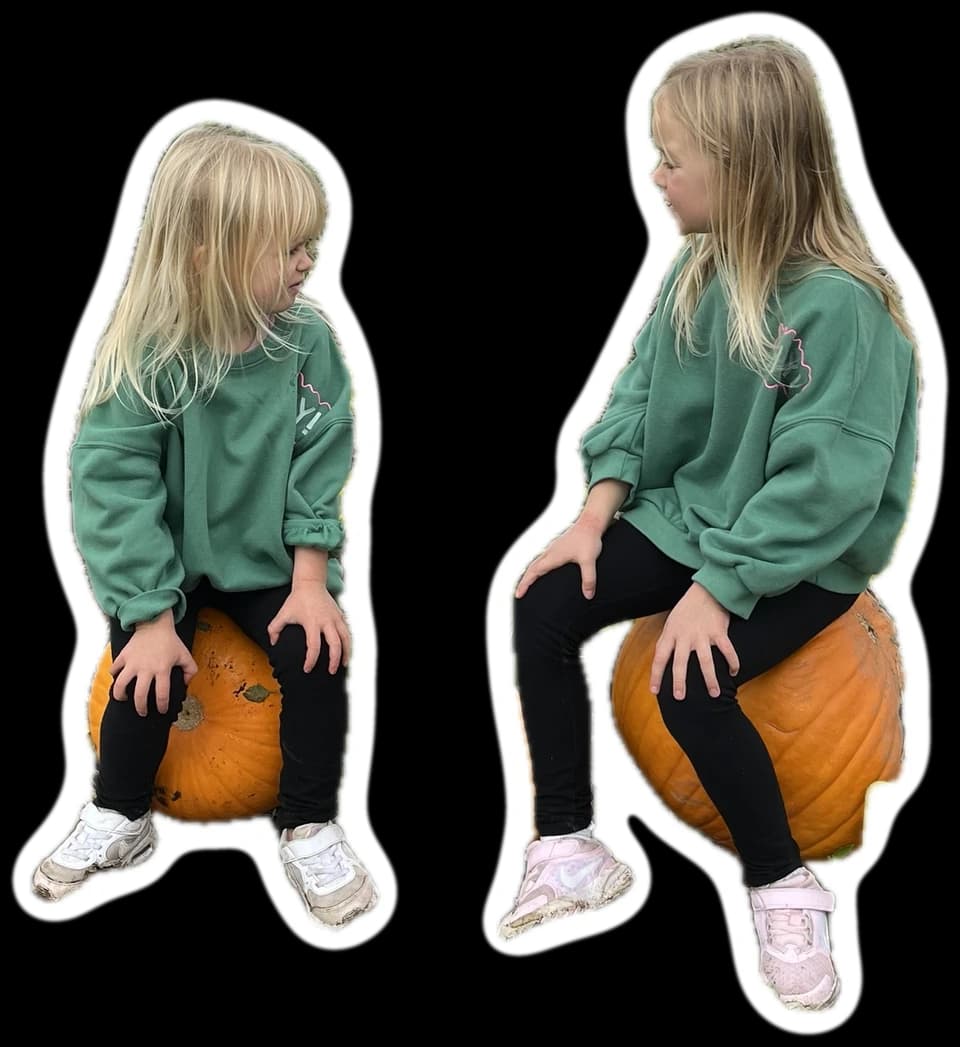
Lift a subject out of its background and let it step across the grid, over the lines and onto the next day.
Export any month as an image, sized for a post, a story or your desktop. Or share a link to your calendar.


Post size is free. Story and desktop sizes come with Unlimited.
Nothing in Days Become is readable on the open web. The only way to another person is searching their exact handle. Keep your calendar public, or make it private and approve followers one at a time.
Fill your first 30 days free, with every editing tool. Unlimited is for when one month isn't enough.
$0
No time limit.
$6/month
Or $60 a year, which saves $12.
Unlimited is an auto-renewing subscription. Subscribe in the app or on the web, and cancel any time.
To start, yes. Fill up to 30 days with every editing tool, with no time limit. Unlimited is $6 a month or $60 a year and takes off the 30-day limit.
The app is iPhone only for now, and needs iOS 17 or later. The web version works on any device.
Yes. It is the same account and the same calendar, in your browser at daysbecome.com.
Nothing in Days Become is readable on the open web, and there is no feed, no comments and no messaging. People find you only by your exact handle. Keep your calendar public, or make it private and approve followers one at a time.
Export any month as an image, sized for a post. With Unlimited you can also export story and desktop sizes, and individual days as their own images.
If you subscribed in the app, cancel in your Apple Account settings: only Apple can cancel a subscription bought through the App Store. If you subscribed on daysbecome.com, cancel from Settings on the web.
It's free to fill your first 30 days. Today is a good day to begin.